
Play now · Post 098
Browser games to play on a Chromebook
To play on a Chromebook, start with a page that works with a keyboard, mouse or trackpad. Check that the game opens in the profile you use and whether school or work devices have restrictions.
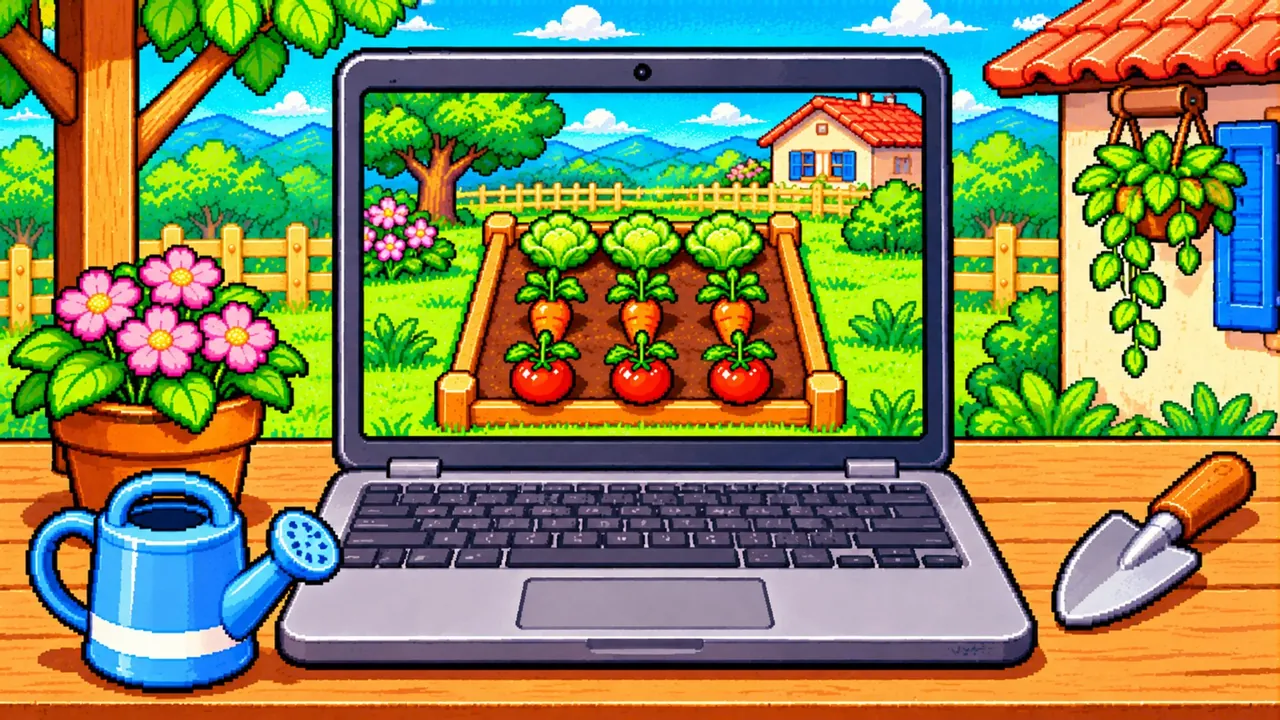
Test the controls
Open Fazendinha Retrô in a tab and try selecting a tool, clicking a bed and moving the camera. Adjust the zoom if the text feels cramped.
Confirm you can continue
Close the game after one task and reopen it in the same profile. If the device account clears data between sessions, follow the administrator's guidance before investing time in the farm.