
Game guides · Post 085
Fazendinha Retrô on your phone: how to install it on your home screen
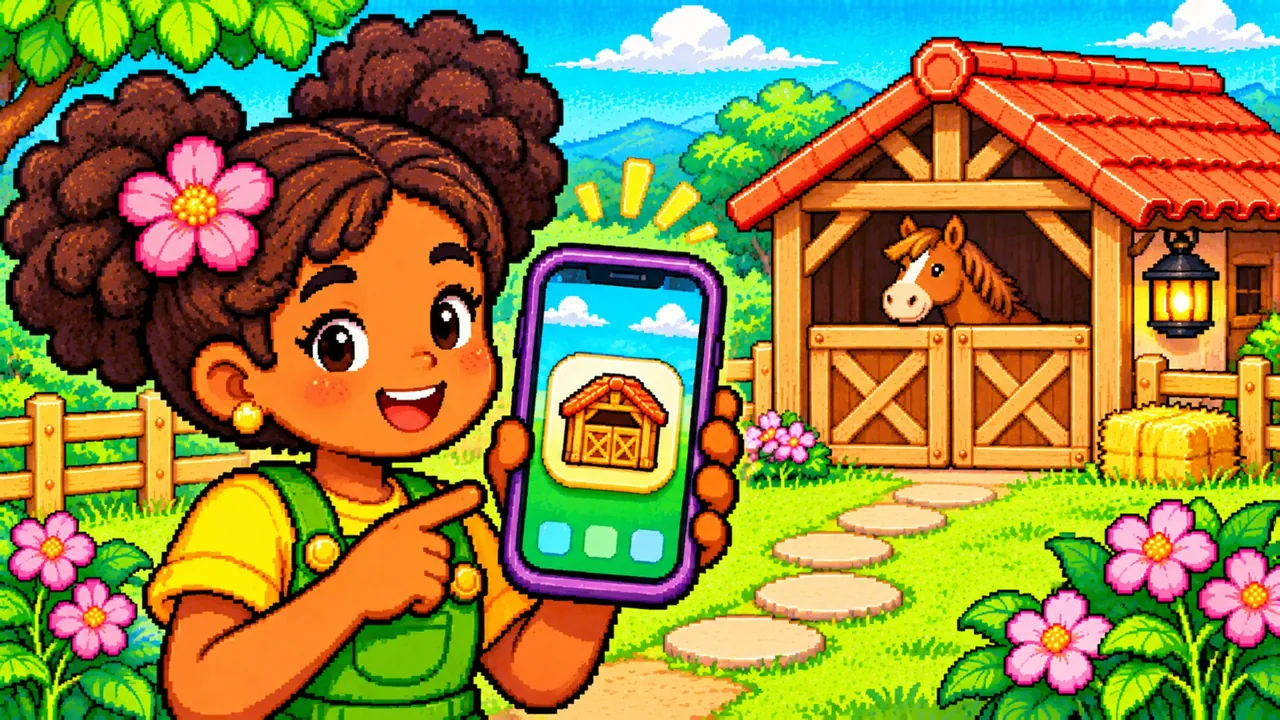
Open Fazendinha Retrô in your phone's browser to add a shortcut to your home screen. Next time, you can open it from the game's icon.
On Android
In Chrome, open the page menu and look for the option to install or add to the home screen. The name depends on the device and version. Confirm and find the icon.
On iPhone
In Safari, open the share menu and look for Add to Home Screen. Open the new icon and check that your expected progress appears before clearing browser data.